

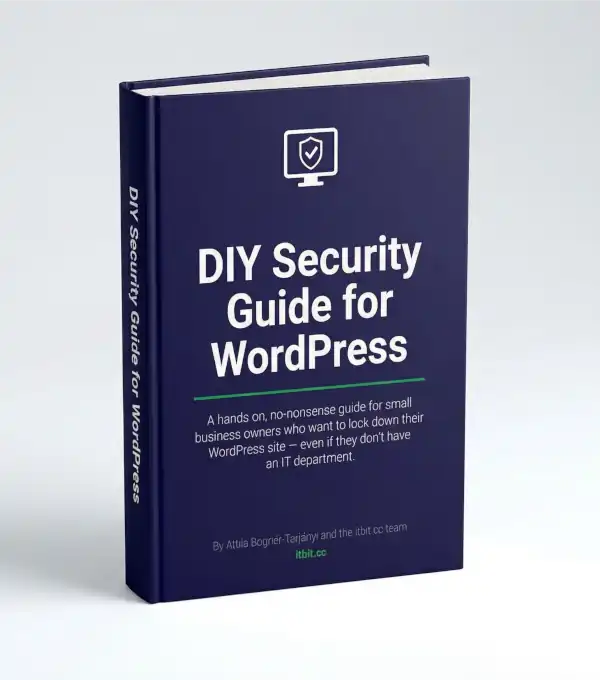
DIY Security Guide for WordPress
Your WordPress Site Has Holes.
This Guide Shows You Exactly Where —
and How to Fix Them.
36 pages. 13 chapters. Zero jargon. One afternoon. €19.
THE PROBLEM
You know your WordPress site probably isn’t as secure as it should be. You’ve read the scary headlines. You’ve thought about doing something about it.
Then you Googled “WordPress security” and got 47 million results, half of them written by people who think “just SSH into your root directory” is a helpful instruction.
So you closed the tab and went back to running your business.
We get it.
THE BOOK
This Is the Guide You Wished Existed.
The DIY Security Guide for WordPress is a hands-on, step-by-step manual for people who want to lock down their site themselves — without hiring anyone, without learning to code, and without losing a weekend to YouTube tutorials that contradict each other.
If you can install a plugin and change a setting, you can do this.
WHAT’S INSIDE
13 Chapters. Each One Fixes Something.
- The 15-Minute Security Check — Find out where you stand before you fix anything. Think of it as the “before” photo.
- Passwords — The front door of your website. Yours is probably unlocked.
- Updates — The boring task that saves your business. We’ll make it painless.
- Two-Factor Authentication — Your second lock. Because one isn’t enough anymore.
- Backups — Your insurance policy. The thing you’ll be grateful for at 2 AM on a Tuesday.
- Your Login Page — Right now, it’s at /wp-admin. So is everyone else’s. Let’s fix that.
- Security Plugin — Your digital alarm system. Which one, how to set it up, what to ignore.
- SSL Certificate — The padlock in the browser. If you don’t have it, Google is already punishing you.
- File Permissions & wp-config.php — Sounds technical. It’s not. Five minutes, done.
- Monitoring — Because you can’t fix what you can’t see.
- Your Team — The human firewall. The weakest link in every security chain is a person.
- Maintenance Calendar — A simple schedule so security doesn’t fall off your radar again.
- Emergency Checklist — When things go wrong. Because sometimes they do, and panic is not a strategy.
Plus: A quick-reference checklist you can print and pin above your desk.
WHO THIS IS FOR
Built for People Who’d Rather Do It Themselves.
You run a small business. You built your WordPress site yourself — or someone built it for you and then disappeared. You don’t have an IT department. You don’t have a “tech guy.” You have Google and determination.
This guide meets you where you are. Every chapter uses plain language, everyday analogies, and step-by-step instructions you can follow with your morning coffee.
No command line. No server access required. No “consult your developer” cop-outs.
This guide is everything we tell our clients to do — packaged into 36 pages you can work through in an afternoon.
WHAT DOES IT COST
€19. Less Than the Plugin You Installed and Forgot About.
One guide. Thirteen chapters.
A complete security overhaul you can do yourself, at your own pace, with a coffee in hand.
The average cost of recovering from a WordPress hack? Somewhere between €500 and “we had to rebuild the whole thing.”
This is €19.
WHAT IF…
“Can’t I just Google all of this?”
You can. You’ll spend a weekend sorting good advice from bad, outdated from current, and “works on my server” from actually useful. Or you can spend €19 and an afternoon.
“I already have a security plugin.”
Good. Chapter 7 will help you set it up properly. The other 12 chapters cover everything your plugin can’t do for you.
“What if I get stuck?”
Run our free scanner at scan.itbit.cc first. It gives you a prioritised report of what needs fixing. Then follow the guide chapter by chapter. If you still get stuck — that’s what our hardening packages are for.
SO
Your site is either secure or it isn’t. Right now, you probably don’t know which.
This guide fixes that.